Once you have completed the registration process for Stripe™, now you are ready to send your first invoice. For Stripe™ registration procedures, kindly refer Stripe™ Registration
Procedures for TaxTron™ Pro Products.
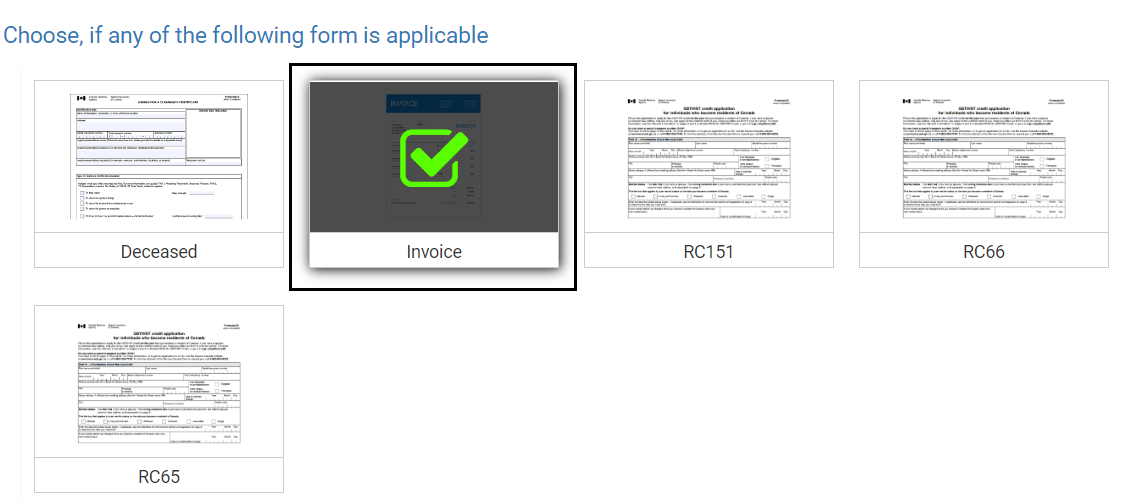
STEP 1: Create your invoice by clicking on the “Invoice” icon in “Other Profile” section of the
platform.
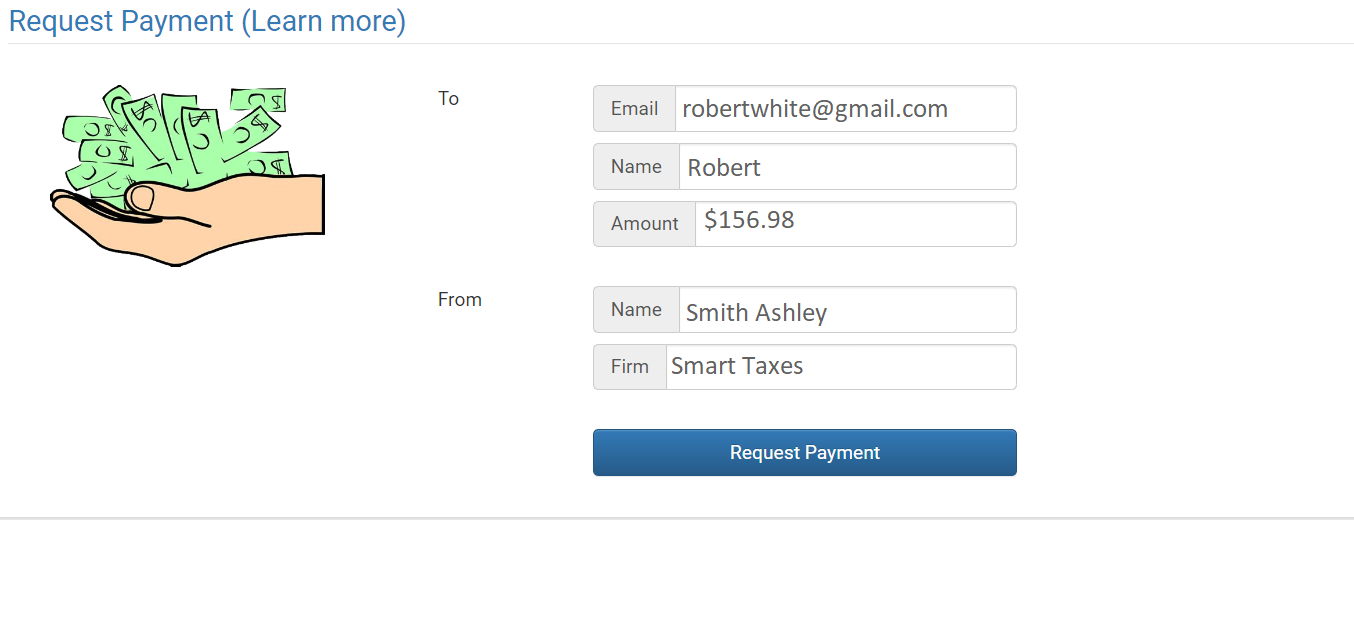
 STEP 2: Enter your client's data into appropriate fields and click on “Request Payment” button.
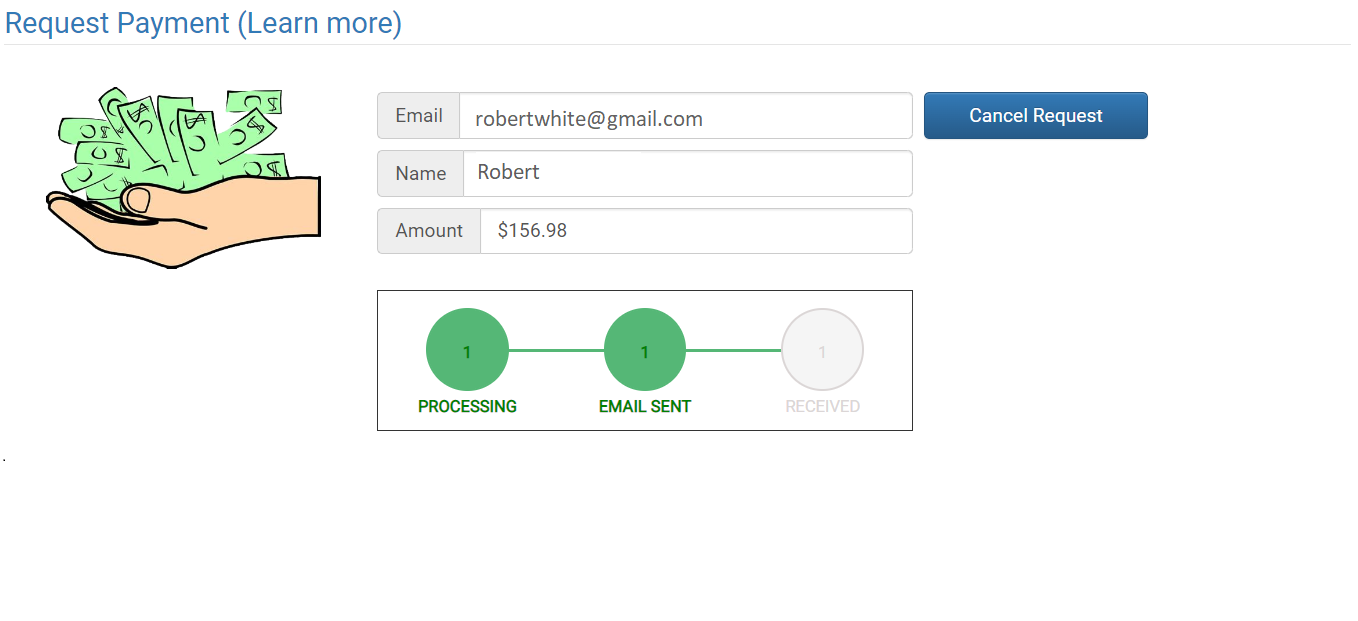 STEP 3: The platform will keep you updated on the status of the payment request after the email has
been sent.
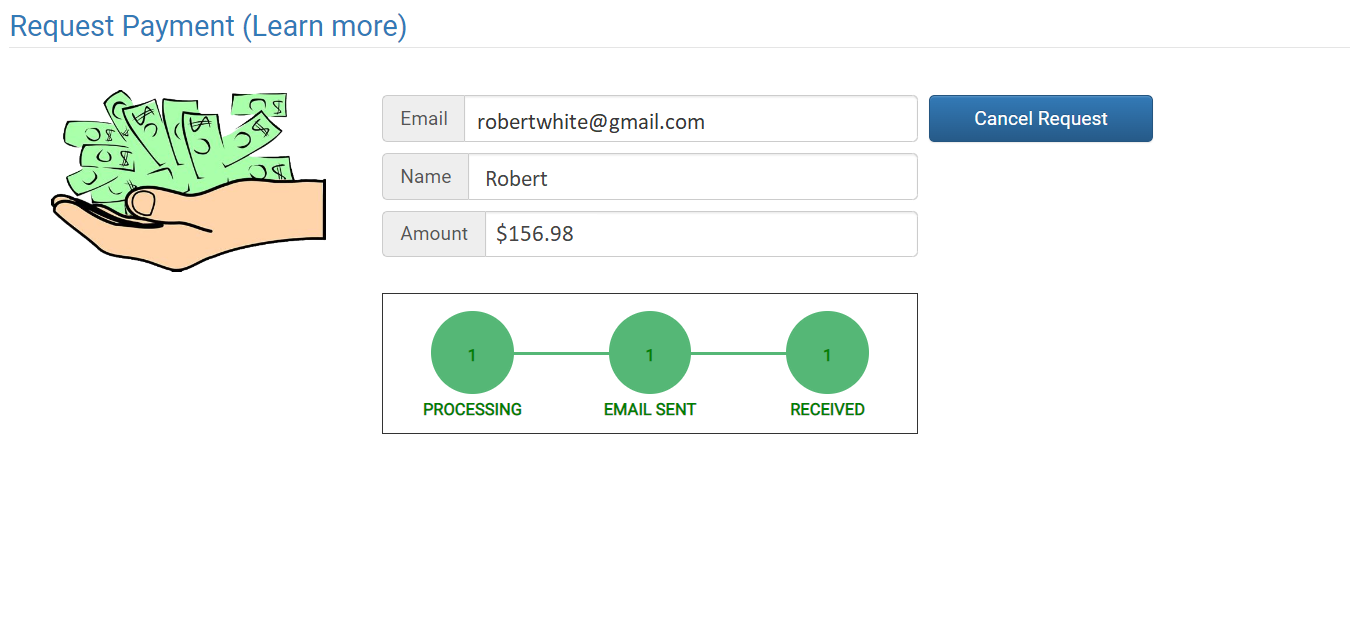
STEP 3: The platform will keep you updated on the status of the payment request after the email has
been sent.
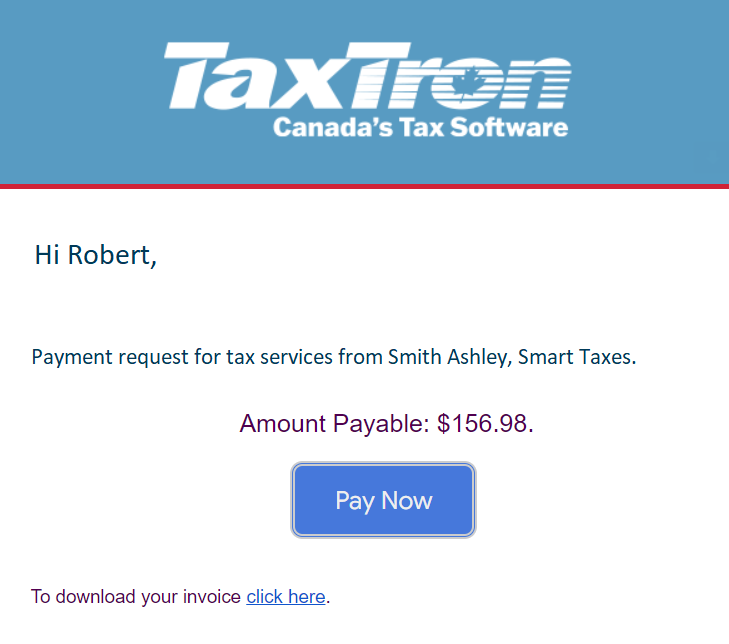 STEP 4:The client receives the email and clicks on “Pay Now”.
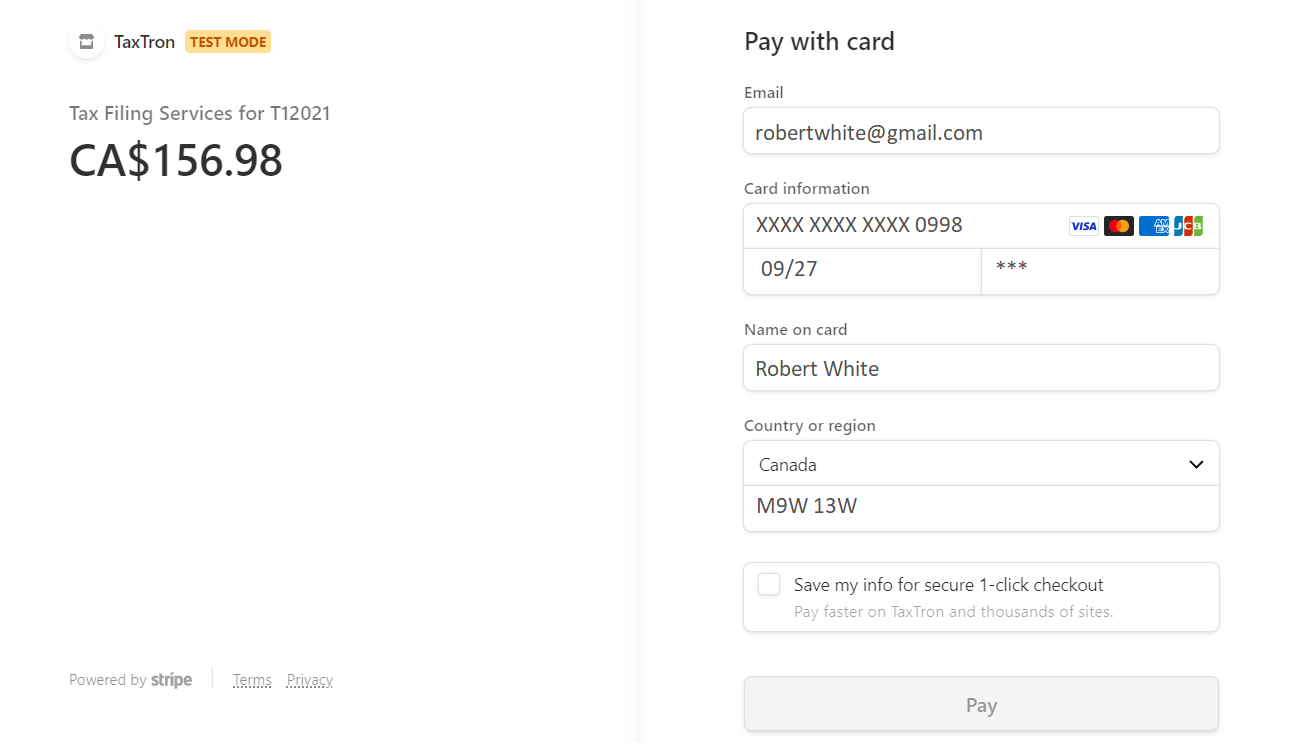
STEP 5: The client is directed to a new page where they will enter their credit card details into
appropriate fields.
STEP 4:The client receives the email and clicks on “Pay Now”.
STEP 5: The client is directed to a new page where they will enter their credit card details into
appropriate fields.
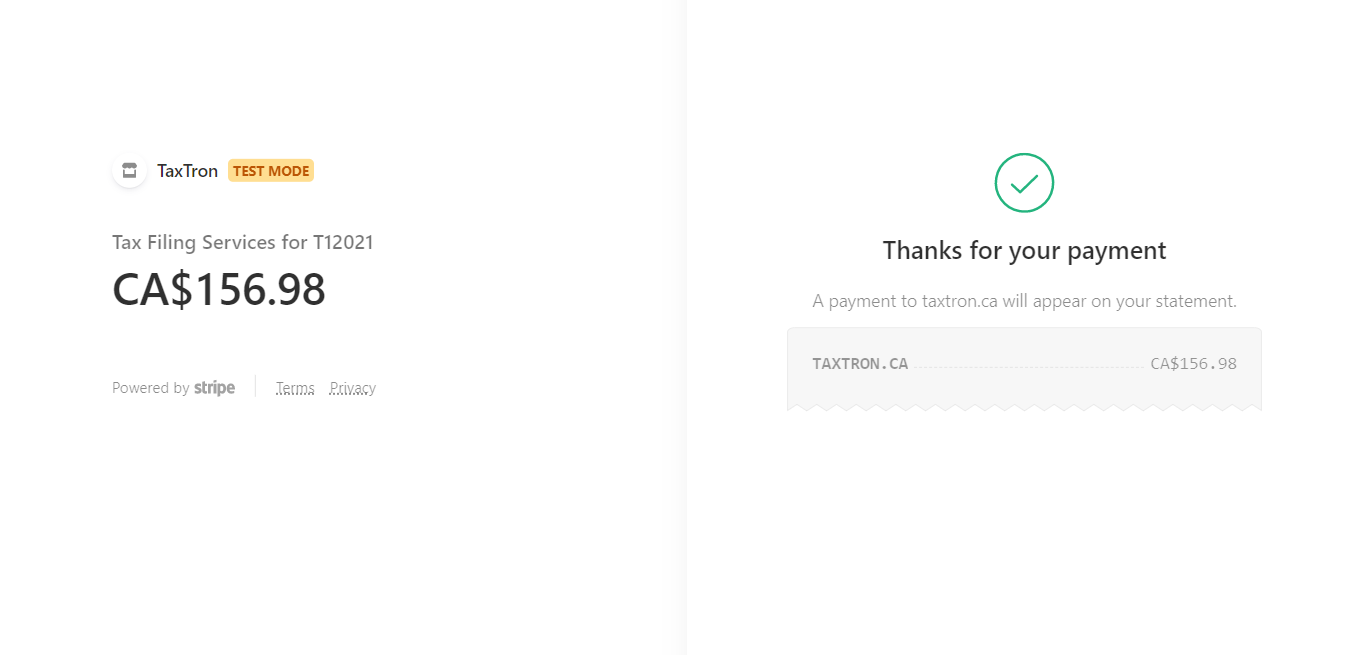
 STEP 6: The client will receive a confirmation once the transaction has been processed.
 STEP 7: The transaction status on your screen will be updated when the payment from the client has
been processed and posted.
STEP 7: The transaction status on your screen will be updated when the payment from the client has
been processed and posted.